Local
Free
Run the installed model on your PC. Includes chat, code help, files, and Roblox Studio models.
Get Oribit LocalLocal AI for Windows
Chat, write code, and turn a prompt into files or an editable Roblox model. Oribit runs on your PC through Ollama.
Oribit 1.2 · No API key required
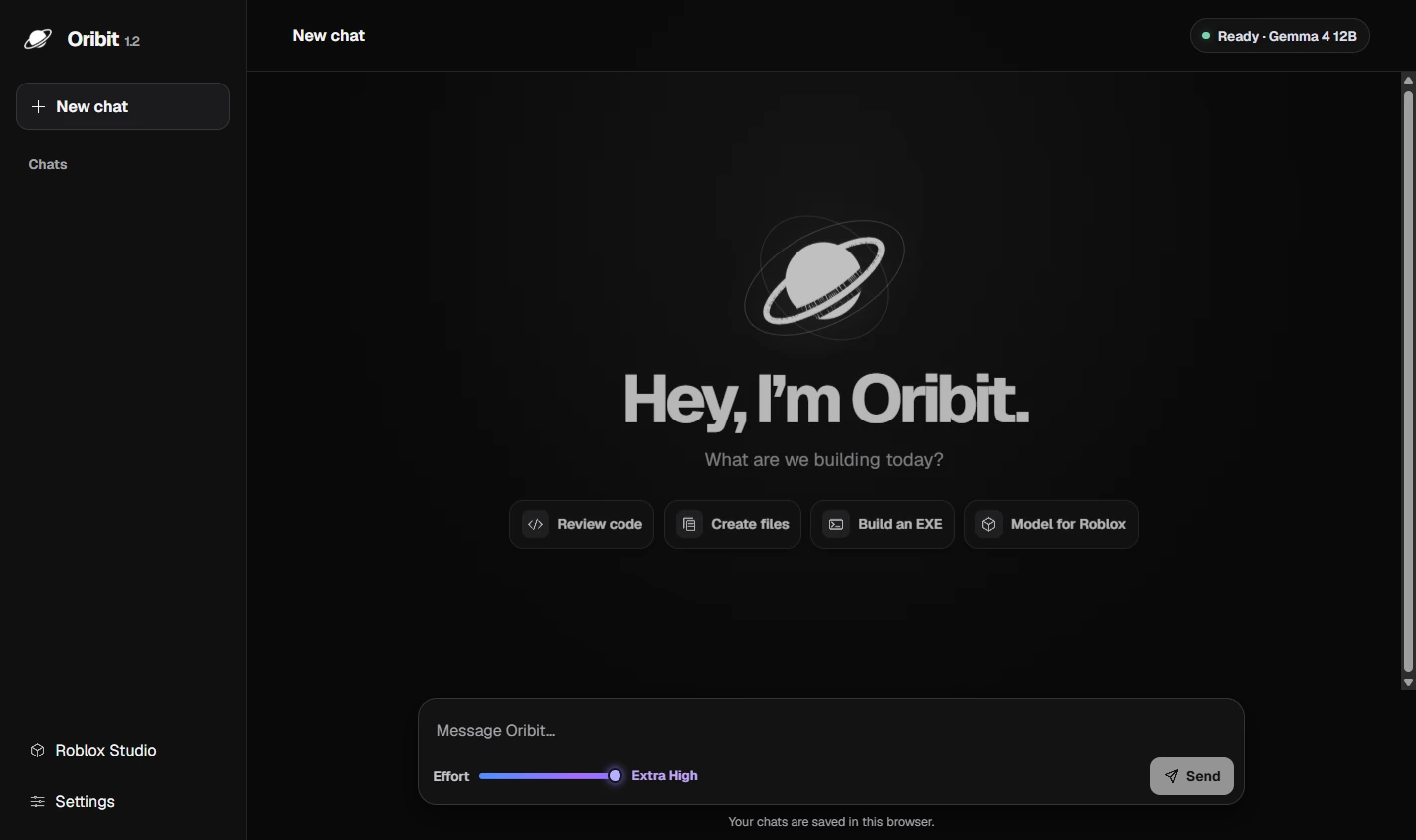
Ask in plain English. Oribit can reply in chat, package files, draft an EXE project, or prepare a Studio model for you to review.
 Example prompts
Review this function. What happens with an empty list?
One edge case to check
Supply an initial value to reduce() so it can handle an empty list.
const total = items.reduce((sum, n) => sum + n, 0);Make a small landing page and give me a ZIP.
Three downloadable files
Download each file or the whole bundle in Oribit.
Create a Windows EXE that converts Celsius to Fahrenheit.
Review Program.cs
Oribit prepares the C# source. Choose Build & download EXE when you’re ready to compile it.
fahrenheit = celsius * 9.0 / 5.0 + 32;Create an editable sci-fi portal for Roblox Studio.
Aster Portal
The included sample has 19 anchored parts and a clear walk-through opening. Preview it with the Oribit plugin before inserting it into your place.
The Studio bridge uses a local pairing code.
See Oribit go from a prompt to code, files, and a Roblox Studio model in 18 seconds.
Download the vertical trailerOribit Local is available now. The planned premium plans will use Google sign-in to apply your subscription to your account.
Free
Run the installed model on your PC. Includes chat, code help, files, and Roblox Studio models.
Get Oribit Local$7.99 / month
Access to higher-capability hosted models for up to 5 hours per day and 15 hours per week.
$15.99 / month
Access to higher-capability hosted models with no daily or weekly time cap.
Oribit 1.2
Extract the ZIP and open Oribit.exe. Oribit loads your installed local model when it starts.
Download Oribit 1.2ollama pull gemma4:12bAfter setup, replies run locally without an API key.